Posts
"If you are an IB specialist and not paranoid, then you are a bad IB specialist" ⓒ Folk a…
July 16, 2025 at 8:36 PM•Max Knyazev is typing…Telegram mirror
"If you are an IB specialist and not paranoid, then you are a bad IB specialist"
ⓒ Folk art of security guards
Have you ever thought that someone might be spying on you? ( haha, well, now you will, don’t thank me ). Well, seriously, we live in such a world that it’s easy to make ill-wishers for yourself, even if you’re God’s dandelion. Someone can track your movements in order to watch you at the entrance, or find out what route you take to return home
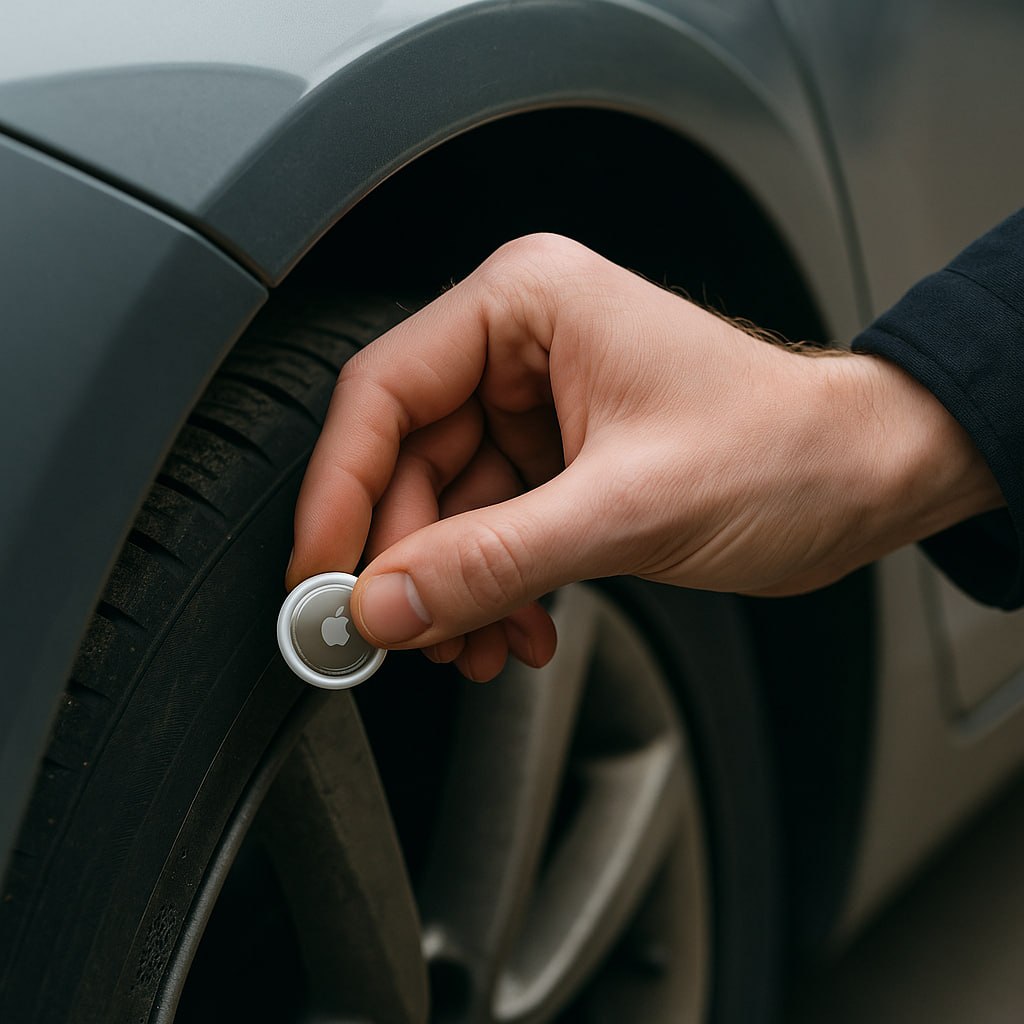
Bluetooth trackers are often used for this ( tags that can be planted in your car or backpack ). And it may seem that I am exaggerating, but such cases have already happened. For example, Christopher Trotman attached an AirTag under the bumper of your ex’s car to track her movements back in 2022. Or in 2025 US police arrest man Muyinde Omulama Bulla , who used an AirTag to stalk a woman. And there are a lot of such cases
So let me tell you how you can check if someone has planted a Bluetooth tracker on you. Spoiler: you don't need Flipper or Ubertooth. Just a smartphone and a couple of free apps. Treat this post like a guide.
If you have Android 14, congratulations, you already have a built-in tracker scanner:
Settings → Security → Alerts for unknown trackers → Scan now
You press and wait. If suddenly there is an AirTag or something similar that moves with you, the software will tell you about it
If you have an iPhone, Apple can also send notifications, but, alas, only about AirTag. She is not interested in other trackers
This is a free application ( and open source ), which works on both Android and iOS. Can search for everything from AirTag to SmartTag, Tile and other Chinese trackers
You can run a manual scan, or you can simply turn on protection in the background and forget about it. If there is a beacon nearby that moves with you, the application will send a notification
MetaRadar - this is if you want not just to watch, but to filter and save data by nearby devices. Like "show me all the nameless devices that I see every day"
The application writes which devices it sees, to when and where. After a couple of days you can already understand which devices are “stationary” ( for example, a neighbor's Wi-Fi printer ), and which ones actually move behind you
WiGLEMore suitable for network enthusiasts, but can be used to see where exactly a signal was detected. It builds a map using Bluetooth/Wi-Fi data and draws points. Useful if you want to return to the location later and look for the device
You can also sometimes check the broadcast using nRF Connect ( I have it on my smartphone too ). I’m just wondering what devices surround me, but it’s also quite possible to search for beacons using it
Well, no one has canceled the visual check of everything that you usually walk, drive, etc. with. Beacons can be difficult to detect with the naked eye, but it definitely wouldn’t hurt
Add the post to your favorites so as not to lose it, install the software and sleep peacefully, my dears
#information_security
#internet_things
Discussion
Comments
Comments are available only to confirmed email subscribers. No separate registration or password is required: a magic link opens a comment session
Join the discussion
Enter the same email that you already used for your site subscription. We will send you a magic link to open comments on this device
There are no approved comments here yet