Posts
There is a feeling that sometimes we do not work as engineers, but simply as a highly int…
November 15, 2025 at 7:46 PM•Max Knyazev is typing…Telegram mirror
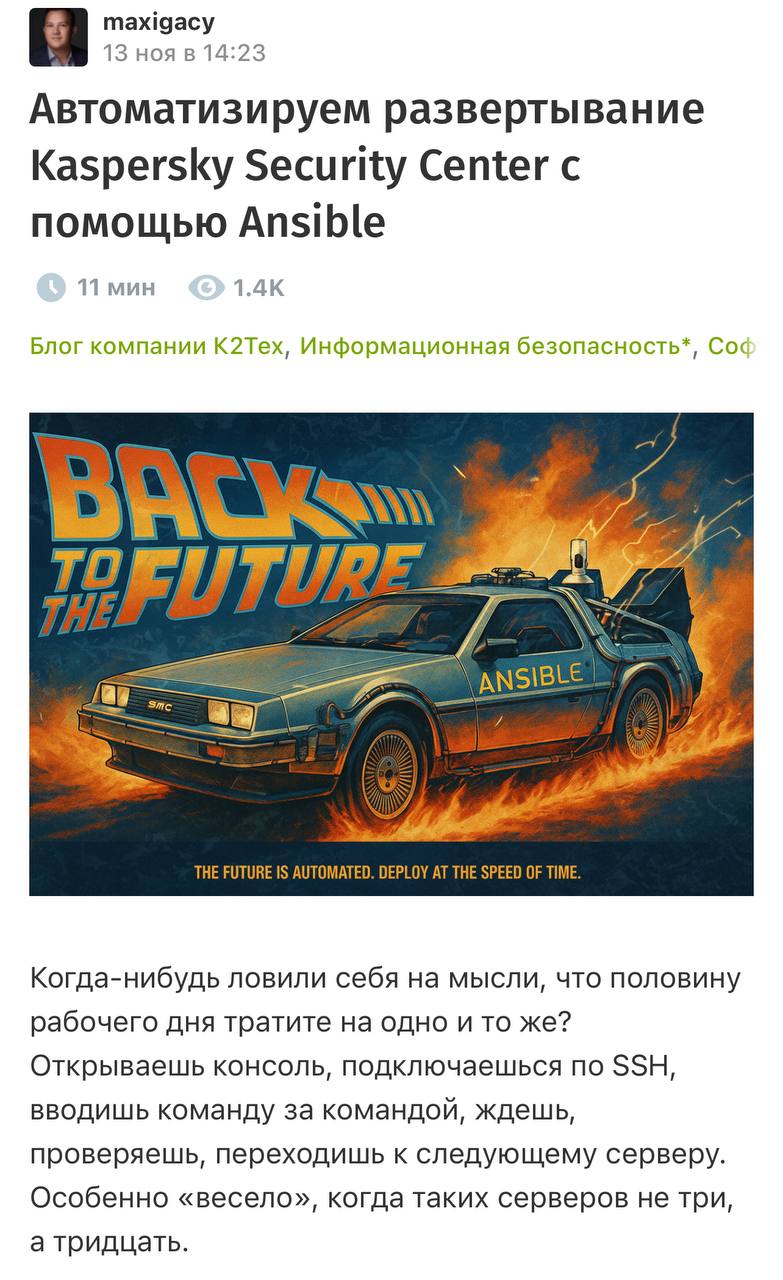
There is a feeling that sometimes we work not as engineers, but simply as highly intelligent (
and not always
) a mechanism for typing commands. I connected, entered the next command, forgot what I had already done on this server, opened history, corrected it a little, and continued on the list. And so on several times. Per day. On different projects (
like if you're alive
)
🙌
I’m not the only one who thinks so, and that’s why my close friend and now former colleague ( @maxigacy ) came out on Habré great article about how to take this SSH routine and turn it into three Ansible playbooks that install Kaspersky Security Center 15.1 on Debian with almost no human intervention. There were 60 minutes of assault ( in the sense of manual labor ), became 16 minutes of automated installation. Minus 73% of the time, minus the chance to make a mistake in the team, plus free hours for real tasks, and not for the endless “apt install && dpkg -i”
The story itself is very life-like. The internal track in the company was honestly called “Long and Expensive.” And instead of whining about “why is this”, the guys simply took one of the most unpleasant cases: the regular installation of Kaspersky Security Center on Linux. On Windows everything is boring: Next-Next-Finish, there is little point in automating there. But on Debian: a bunch of commands, manual tuning of PostgreSQL, parameters, paths, versions, web console. This is an ideal candidate for Ansible ( I hope everyone here + is aware of what this instrument is )
🤩
Architecturally, everything was also done wisely. Not one monstrous playbook with a thousand lines, but three separate ones:
All sensitive things passwords, secrets, meanings for answers.txt ) are not in YAML, but in Ansible Vault. Playbooks retrieve them only for the duration of execution, generate files directly on the target machine and immediately delete them
These playbooks can be restarted as many times as you like: they will not endlessly add the same line to the config or torture It is possible to re-create an existing user ( i-idempotency )
😎
This whole story had a great effect on people. After KSC learned how to stage in 16 minutes without dancing with tambourines, the team suddenly believed that automation was needed. The internal GitLab has been filled with new playbooks for other security tools. And this, in fact, is the main result: not only minus hours, but also plus a new culture
I have described everything very briefly here. I recommend it myself article read ( and on GitHub behind the playbooks themselves ). Believe me, if the topic of DevOps/DevSecOps is close to you, then you definitely won’t waste your time
🫶
#information_security
Open original post on TelegramI’m not the only one who thinks so, and that’s why my close friend and now former colleague ( @maxigacy ) came out on Habré great article about how to take this SSH routine and turn it into three Ansible playbooks that install Kaspersky Security Center 15.1 on Debian with almost no human intervention. There were 60 minutes of assault ( in the sense of manual labor ), became 16 minutes of automated installation. Minus 73% of the time, minus the chance to make a mistake in the team, plus free hours for real tasks, and not for the endless “apt install && dpkg -i”
The story itself is very life-like. The internal track in the company was honestly called “Long and Expensive.” And instead of whining about “why is this”, the guys simply took one of the most unpleasant cases: the regular installation of Kaspersky Security Center on Linux. On Windows everything is boring: Next-Next-Finish, there is little point in automating there. But on Debian: a bunch of commands, manual tuning of PostgreSQL, parameters, paths, versions, web console. This is an ideal candidate for Ansible ( I hope everyone here + is aware of what this instrument is )
Architecturally, everything was also done wisely. Not one monstrous playbook with a thousand lines, but three separate ones:
1️⃣ the first prepares PostgreSQL, installs the required version from the official repository, carefully sets up the config, calculates shared_buffers from the amount of memory, touches max_stack_depth, work_mem, etc., creates a separate database and user KSCAdmin with exactly the rights that are needed2️⃣ the second one is deployed by KSC itself, working with the official postinstall.pl and the answers.txt file, substitutes the parameters there, starts a silent installation, then cleans up the tails3️⃣ the third opens the web console, drops a JSON config with the address, port and certificate, installs the package, creates an account for web access and restarts the services
All sensitive things passwords, secrets, meanings for answers.txt ) are not in YAML, but in Ansible Vault. Playbooks retrieve them only for the duration of execution, generate files directly on the target machine and immediately delete them
These playbooks can be restarted as many times as you like: they will not endlessly add the same line to the config or torture It is possible to re-create an existing user ( i-idempotency )
This whole story had a great effect on people. After KSC learned how to stage in 16 minutes without dancing with tambourines, the team suddenly believed that automation was needed. The internal GitLab has been filled with new playbooks for other security tools. And this, in fact, is the main result: not only minus hours, but also plus a new culture
I have described everything very briefly here. I recommend it myself article read ( and on GitHub behind the playbooks themselves ). Believe me, if the topic of DevOps/DevSecOps is close to you, then you definitely won’t waste your time
#information_security
Discussion
Comments
Comments are available only to confirmed email subscribers. No separate registration or password is required: a magic link opens a comment session
Join the discussion
Enter the same email that you already used for your site subscription. We will send you a magic link to open comments on this device
There are no approved comments here yet